Cybersecurity
Seven password-management practices that actually work for small businesses
Practical password management for small businesses — what current NIST guidance actually says, which tools to use, and the practices that move the needle.
By Greg Douglas Published 6 min read
Updated
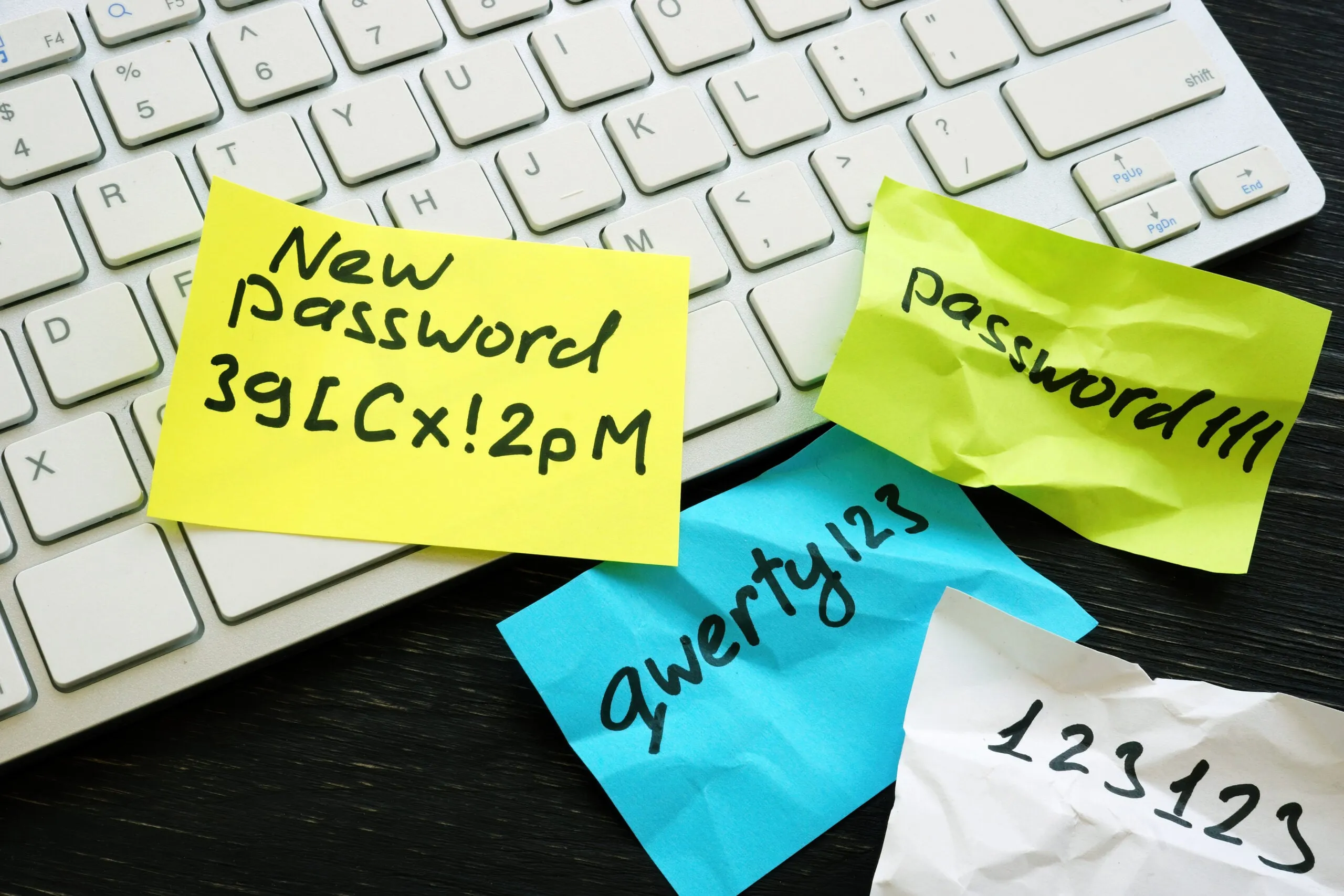
Password management is one of those topics where a lot of the common advice is either outdated or doesn’t match what modern security guidance actually recommends. “Change your password every 90 days.” “Use a random mix of uppercase, lowercase, numbers, and symbols.” “Use a password hint in case you forget.” All of these are either wrong or actively harmful under current standards.
The good news: the fundamentals are simpler than they used to be. If you’re an owner or operations lead trying to get your small business onto solid footing — without becoming a cybersecurity expert in the process — this guide covers the seven practices that actually move the needle.
1. Start with a password manager, not a policy document
If you only do one thing on this list, do this one. A password manager stores unique, long, random passwords for every account your business uses, and fills them in automatically when needed. It replaces the human memory burden (and the spreadsheet, and the sticky notes) with a single strong master password plus multi-factor authentication.
Credible options, all in active development and used by businesses of every size:
- 1Password — polished, well-designed business features, strong onboarding experience
- Bitwarden — open-source, genuinely affordable, solid security track record
- Keeper — strong compliance features (FedRAMP, HIPAA, SOC 2)
Pick one. Deploy it to the whole team. Make it part of onboarding from day one. The “which one is best” debate is far less important than the “we’ve actually rolled one out” threshold.
2. Length matters more than complexity
The current NIST Digital Identity Guidelines (SP 800-63B) explicitly reject the old complexity-rule approach. What they recommend instead is refreshingly straightforward:
- Minimum 8 characters, but practically aim for 14+ on anything that matters
- Allow any characters — no banned symbols, no enforced composition rules
- Passphrases are fine — four random words like
correct-horse-battery-stapleare easy to remember and genuinely strong - Screen against known-compromised passwords using databases like Have I Been Pwned — most modern password managers do this automatically
The counterintuitive part: a 16-character random string generated by your password manager is stronger and more usable than a carefully constructed P@ssw0rd2024! that a human had to come up with — and far less likely to be reused across accounts.
3. Don’t force scheduled rotations
This is the single most common password practice that NIST now advises against: periodic forced password changes, absent any indication of compromise.
Why? Because when people are forced to change their password every 90 days, they don’t come up with genuinely new passwords. They append !2, then !3, then !4. The net effect is passwords that are easier to crack, not harder, because predictable rotation patterns are well-known to attackers.
The modern approach, consistent with NIST:
- Rotate passwords when there’s a reason to — suspected compromise, known breach of the service, team member departure
- Monitor for compromise continuously — your password manager can alert you when a stored password appears in a known breach
- Prioritize MFA and breach monitoring over scheduled rotation theater
4. Enable MFA everywhere — and prefer phishing-resistant forms
Multi-factor authentication (MFA) means adding a second factor beyond the password — a code, a prompt, a physical key. Microsoft has repeatedly reported that MFA blocks more than 99% of automated account-compromise attacks. It’s the single highest-leverage control you can turn on.
Not all MFA is equal, though. In order of strength:
- Passkeys / WebAuthn / FIDO2 hardware keys (YubiKey, Titan, built-in Apple/Google/Microsoft platform keys) — phishing-resistant. CISA specifically recommends this tier in its Implementing Phishing-Resistant MFA fact sheet.
- Authenticator app TOTP codes (Microsoft Authenticator, Google Authenticator, Authy, 1Password-built-in) — strong, widely available
- SMS text codes — better than nothing, but vulnerable to SIM-swap attacks. Use it only when stronger options aren’t available
Turn on MFA for every account that touches business data. Prioritize passkeys or hardware keys on the highest-value accounts: Microsoft 365 or Google Workspace admin, banking, payroll, accounting, domain registrar, and the password manager itself.
5. Screen against breached-password lists
The Verizon Data Breach Investigations Report identifies stolen credentials as one of the top initial-access vectors in security breaches year after year. Attackers don’t have to guess your passwords — they buy them, in bulk, from previous breaches. Once a password is in a breach corpus, it’s permanently compromised, regardless of how strong it looked when you created it.
Most modern business-tier password managers check your stored passwords against these databases and alert you when any appear in a new breach. Turn that feature on. When it fires, treat it like a smoke alarm: act on it that day, not next week.
6. Make onboarding and offboarding the priority
Most small-business password incidents don’t come from sophisticated attacks. They come from transitions — the new hire who was set up quickly and never got full access discipline, or the departing employee whose accounts stayed active for weeks after their last day.
A short checklist, kept somewhere everyone can find it, beats an elaborate policy nobody reads:
Onboarding
- Create individual accounts — never share credentials with the new hire
- Enroll them in the password manager before anything else
- Enable MFA on their first login
- Document what access they have, and why
Offboarding (same day the person leaves)
- Disable (don’t just delete) all SSO / identity-provider accounts
- Revoke active sessions across email, collaboration tools, and admin consoles
- Transfer ownership of shared files, mailboxes, and password-manager vaults
- Change any shared account passwords the person had access to
- Remove physical access: keys, badges, building credentials
The offboarding checklist is the one we see most often skipped, and it’s consistently where we find the preventable incidents when we onboard a new client.
7. Train on real scenarios, not compliance theater
Annual hour-long security videos are compliance theater. What actually changes behavior:
- Short, specific training (10–15 minutes) tied to something concrete — a real phishing email the team received, a recent breach at a comparable business, a new tool being rolled out
- Simulated phishing as learning, not gotcha — the right measure is how quickly people report suspicious messages, not who “falls for” an individual test
- A no-blame reporting path — anyone should be able to say “I think I just did something I shouldn’t have” without fear. If they can’t, the first hour of an incident is lost
Where this fits in the bigger picture
Passwords are one control among several. If you haven’t yet mapped out the full picture for your business, our cornerstone post — where small businesses should actually start with cybersecurity — walks through the five controls that cover most small-business risk, with passwords as control number two.
And for when something does go wrong: we’ve packaged our own one-page incident response plan as a free, print-ready template. The faster you can act, the smaller the incident stays.
If password management feels like a bigger lift than it should be — rolling out a password manager across a team, retrofitting MFA into an accumulated set of business apps, cleaning up years of shared-account habits — that’s the kind of work we do day-in, day-out. A free discovery call is the best way to talk through your specific situation.
Small, deliberate steps. One practice fully in place beats seven half-done.
Keep reading
-
Cybersecurity
Ransomware protection for small businesses: what actually works
A practical guide to ransomware protection for small businesses — how attacks enter, the prevention basics that work, the backup strategy that saves you, and what to do in the first hour if prevention fails.
-
Cybersecurity
Cybersecurity metrics that actually matter for a small business
Most cybersecurity metrics are vanity. Here are the handful that actually matter for a small business — simple to track, tied to real risk, useful in real decisions.
-
Cybersecurity
Where small businesses should actually start with cybersecurity
Where to start with cybersecurity for a small business — five essential controls, a people strategy that works, and a one-page incident plan owners can actually use.